MCP: connecting your project to any AI
The Model Context Protocol gives AI clients a common way to work with real systems. Here is how Momentum uses it to open your workspace to any AI, safely.
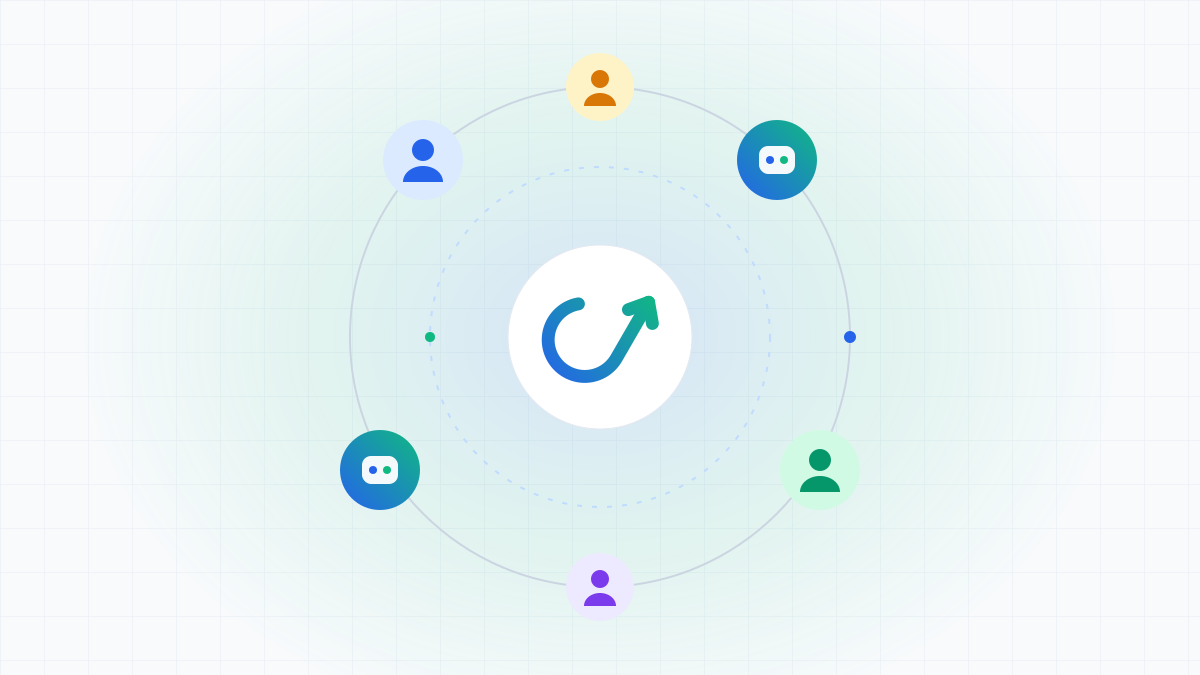
Every team now has a favorite AI. Some live in Claude, others in their IDE, and more and more teams run agents in CI. The catch is that each of them needs the same project context, and building one-off integrations for every pairing does not scale.
What MCP is
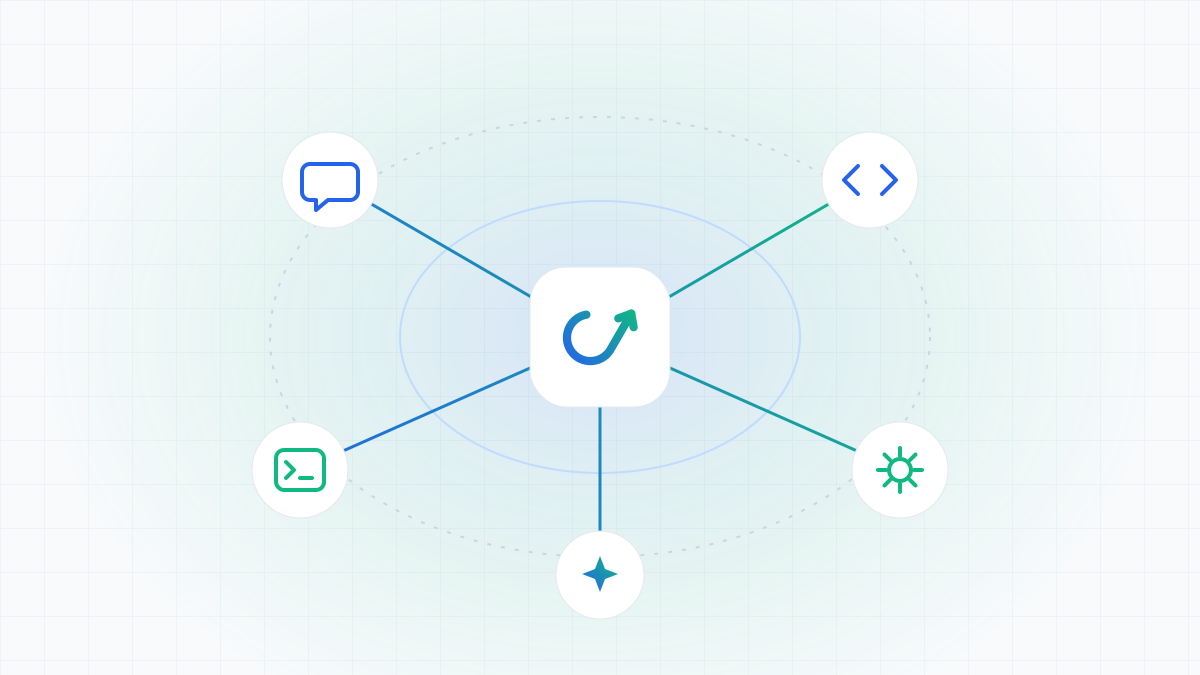
The Model Context Protocol (MCP) is an open standard for connecting AI applications to the systems where work happens. A system exposes an MCP server with tools and data, and any MCP client can discover those tools and call them. Build the server once, and every compatible client can use it.
How Momentum uses it
Momentum includes a native MCP server. Connect it to an MCP client and that client can work with your workspace directly:
- Search issues, epics, sprints and docs with JQL-style queries
- Create and update issues, move status and link related work
- Groom the backlog and propose sprint scope
- Read and update Application Docs
- Comment on issues and mention teammates
Permissions and the audit trail
Opening a workspace to AI only works if it stays safe. In Momentum, every MCP connection belongs to a person and carries exactly their role. An agent working for a developer can do what that developer can do, and nothing more. Every read and write is recorded in the audit trail, attributed to both the person and the client.
Getting connected
Connecting takes three steps: create a scoped token, add Momentum to your MCP client configuration, and start asking in plain language. Starter includes one connected AI client, and Team unlocks MCP read and write across your workspace.